GravityKit logo, color, for light backgrounds
Default logo. Floaty and wordmark in navy and gold, for white or light backgrounds.
Avoid: Do not recolor, stretch, add effects, or place on a background of similar color.

Logos, Floaty, product icons, colors and fonts, with notes on when to use each one. Download what you need, or point your AI tools at brand.json.

The full logo is Floaty plus the wordmark. Use the color version on light backgrounds by default, and only one Floaty per page. Logo guidelines.
Default logo. Floaty and wordmark in navy and gold, for white or light backgrounds.
Avoid: Do not recolor, stretch, add effects, or place on a background of similar color.

Floaty and wordmark in white and gold, for navy or other dark backgrounds.
Avoid: Do not recolor, stretch, add effects, or place on a background of similar color.

Single-color navy lockup, for one-color printing or busy light backgrounds.
Avoid: Do not recolor, stretch, add effects, or place on a background of similar color.

Single-color white lockup, for photos or dark backgrounds where gold would clash.
Avoid: Do not recolor, stretch, add effects, or place on a background of similar color.

Wordmark without Floaty. Use when Floaty already appears on the page, or space is wide and short.
Avoid: Do not recolor, stretch, add effects, or place on a background of similar color.

Wordmark without Floaty, white and gold, for dark backgrounds.
Avoid: Do not recolor, stretch, add effects, or place on a background of similar color.

Single-color navy wordmark.
Avoid: Do not recolor, stretch, add effects, or place on a background of similar color.

Single-color white wordmark.
Avoid: Do not recolor, stretch, add effects, or place on a background of similar color.

The company mascot mark. White suit with gold accents on a transparent background, for navy or dark backgrounds.
Avoid: Do not use more than one Floaty on a page. Not for light backgrounds (the suit is white).

Floaty helmet in a gold ring, for navy or dark backgrounds. Company icon, avatar, favicon source, loading indicator.
Avoid: Never on white or light backgrounds: the helmet is white and the gold ring is too pale to read. Use the navy Floaty icon (floaty-icon-navy) there.

Full-body gold Floaty on a flat navy square (#001B50). Social avatars and tiles.

Floaty helmet icon on a flat navy square (#001B50). App icons and avatars.
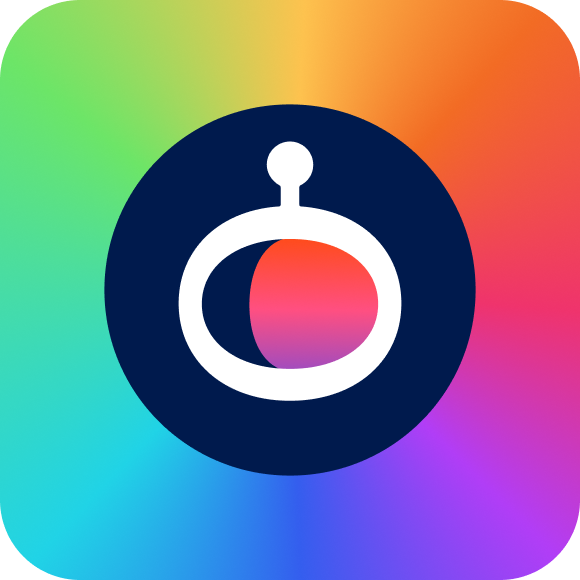
The GravityKit product collection: All Access and bundles. Rainbow tile with the Floaty helmet.
Avoid: Never for GravityKit the company; use the gold Floaty for that.

The Floaty mark on white or light backgrounds: navy suit with gold accents.
Avoid: Do not use more than one Floaty on a page.

Single-color navy Floaty for light backgrounds and one-color printing.
Avoid: Do not use more than one Floaty on a page.

Single-color white Floaty for dark backgrounds and photos.
Avoid: Do not use more than one Floaty on a page.
Black Floaty in SVG Tiny 1.2 format, made for the BIMI email logo. Also for black-only printing.

The helmet icon in a gold ring, navy helmet, for light backgrounds. Avatars and small marks.



Black lockup for black-only printing, such as forms, receipts and stamps.
Avoid: Anywhere color is available, use the navy logo.

Wordmark first, Floaty on the right. For right-to-left layouts (Arabic, Hebrew) on light backgrounds.

Premium version with the gold gradient on "Kit" and Floaty's visor. Hero areas and special campaigns on light backgrounds.
Avoid: Not the everyday logo; use gravitykit-color-dark for that.

Premium version with the gold gradient, for navy or dark backgrounds.
Avoid: Not the everyday logo; use gravitykit-color-light for that.
Our astronaut mascot, in line-drawing poses for editorial art. Don’t mix these with the flat gold Floaty on one graphic. Floaty guidelines.
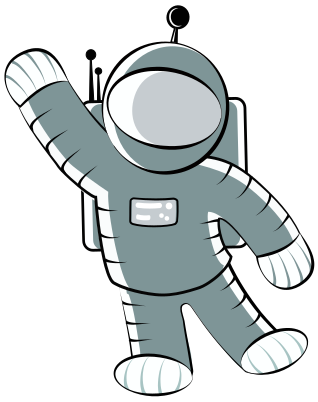
Greetings, welcome screens, empty states, "say hello" moments.
Avoid: Do not mix these line drawings with the flat gold Floaty on one graphic.

Point at a call to action or the next step.
Avoid: Do not mix these line drawings with the flat gold Floaty on one graphic.

Success messages, launches, celebrations.
Avoid: Do not mix these line drawings with the flat gold Floaty on one graphic.

Welcome, "everything included", big announcements.
Avoid: Do not mix these line drawings with the flat gold Floaty on one graphic.
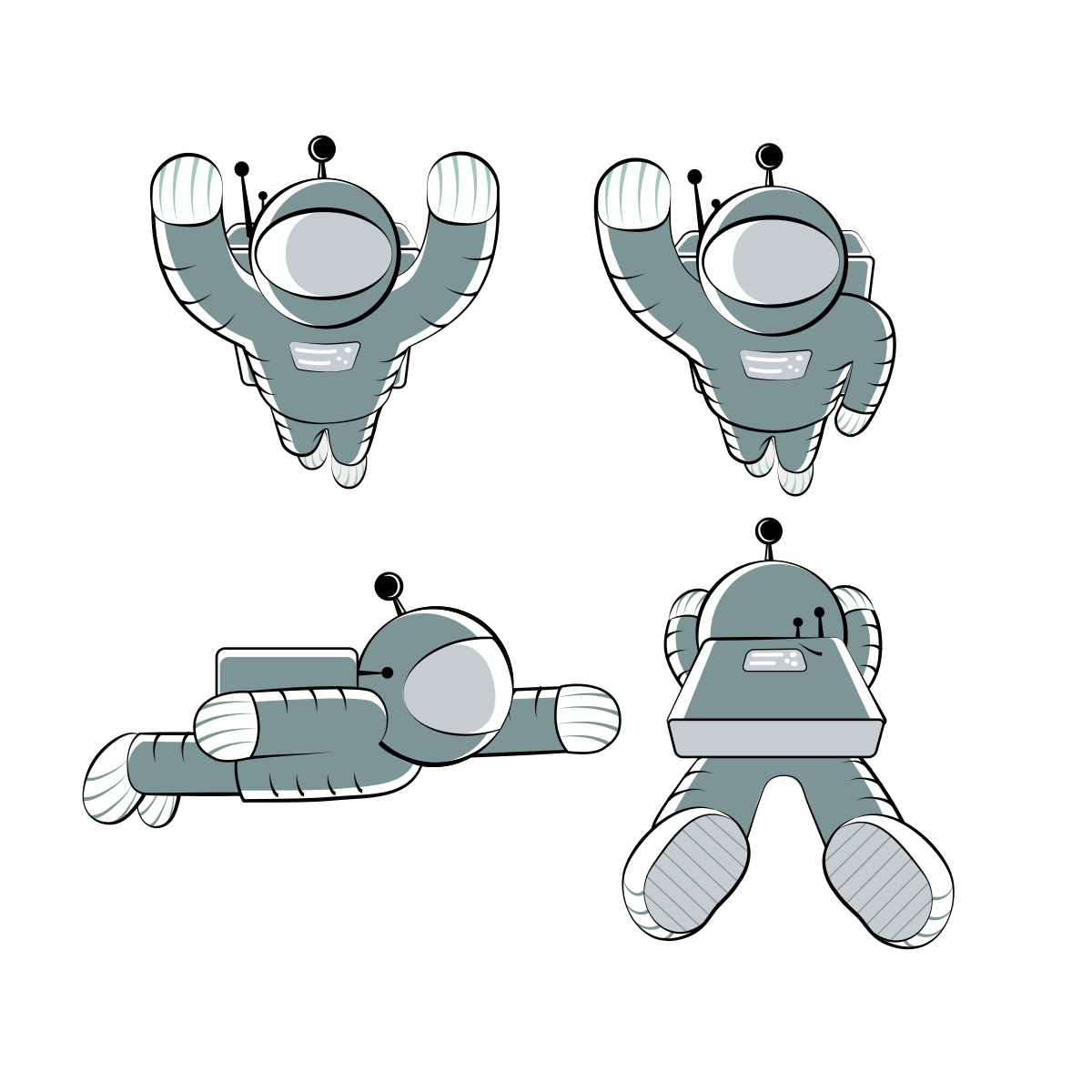
Several versions of one pose on one artboard. Crop out the one you need.
Avoid: Do not mix these line drawings with the flat gold Floaty on one graphic.
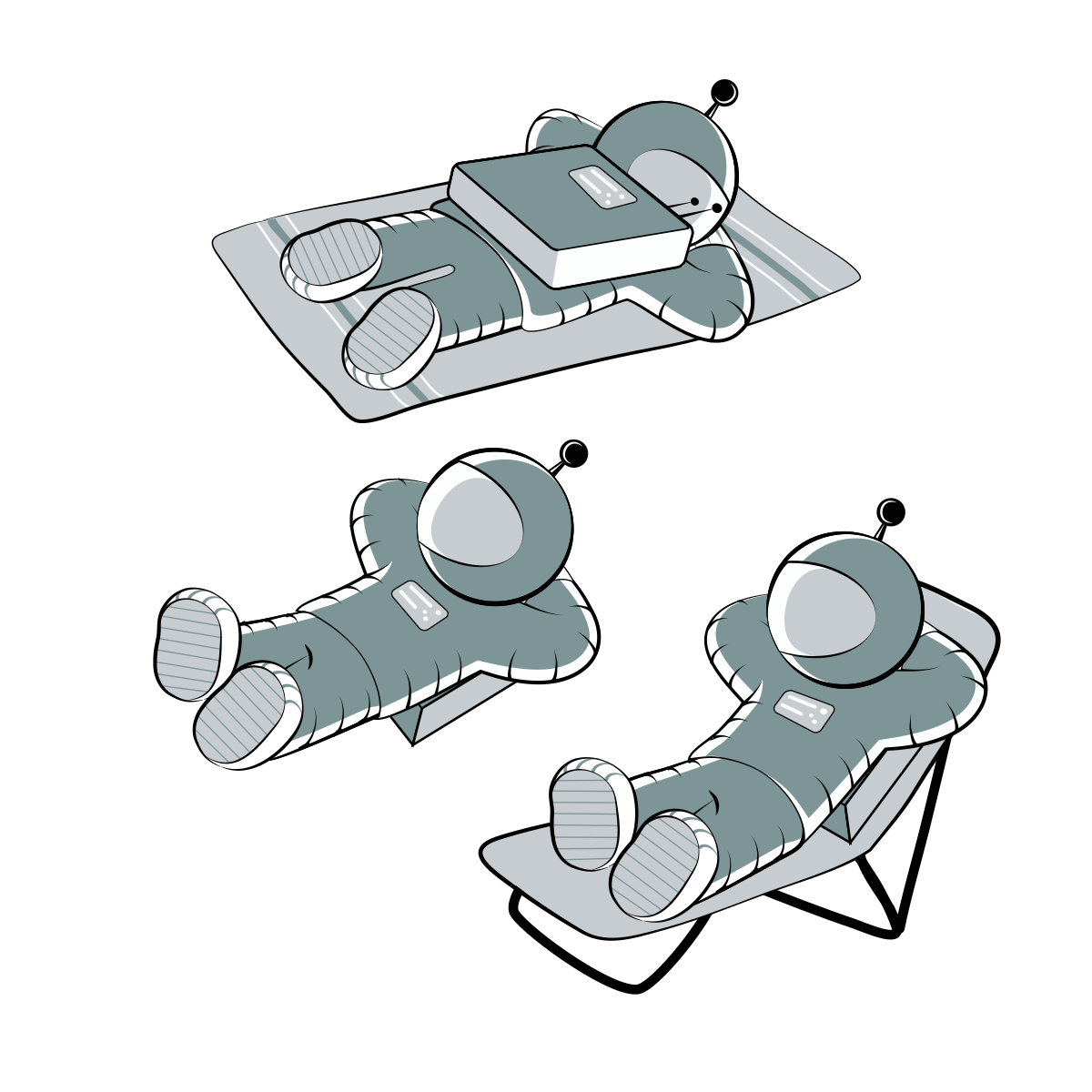
Several versions of one pose on one artboard. Crop out the one you need.
Avoid: Do not mix these line drawings with the flat gold Floaty on one graphic.
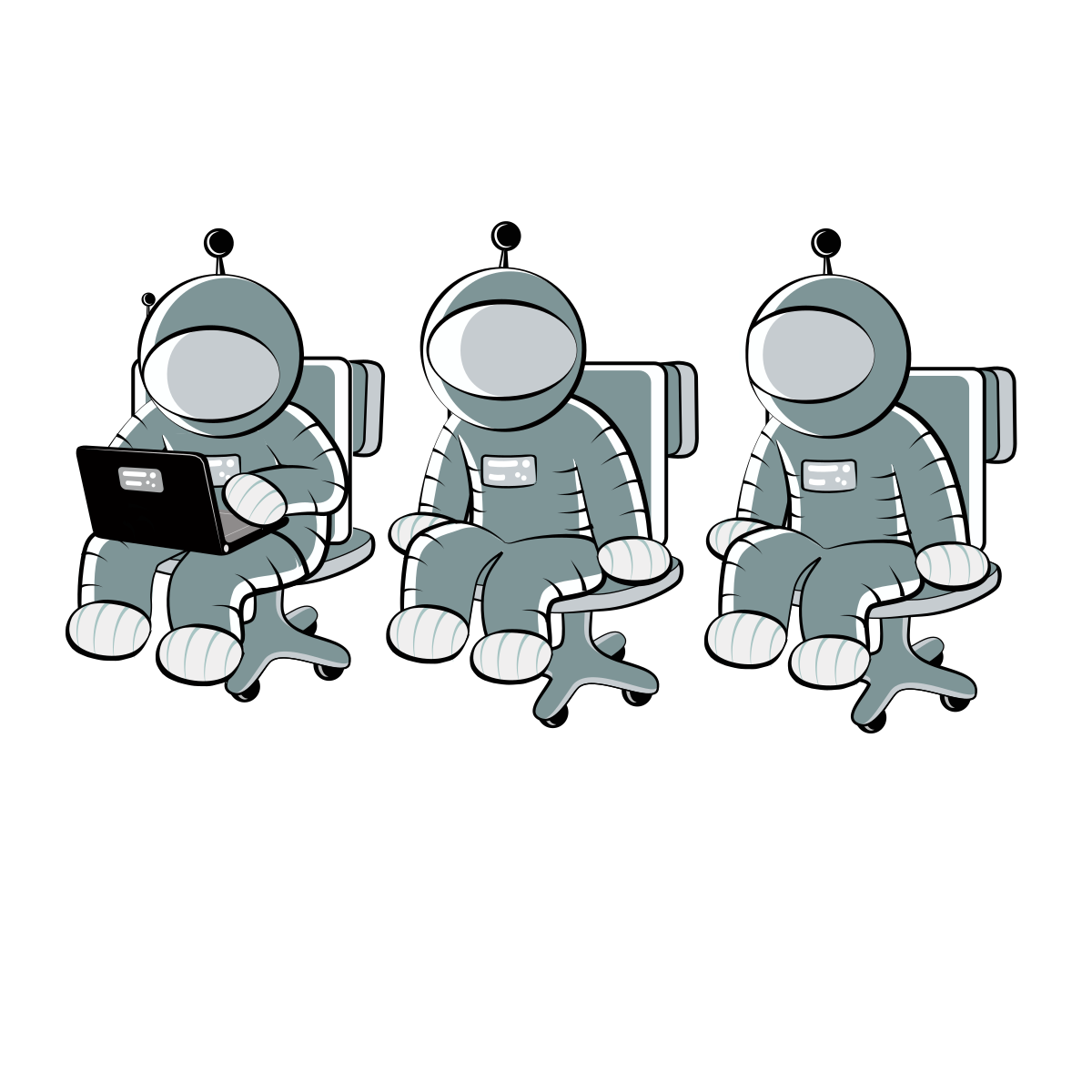
Several versions of one pose on one artboard. Crop out the one you need.
Avoid: Do not mix these line drawings with the flat gold Floaty on one graphic.
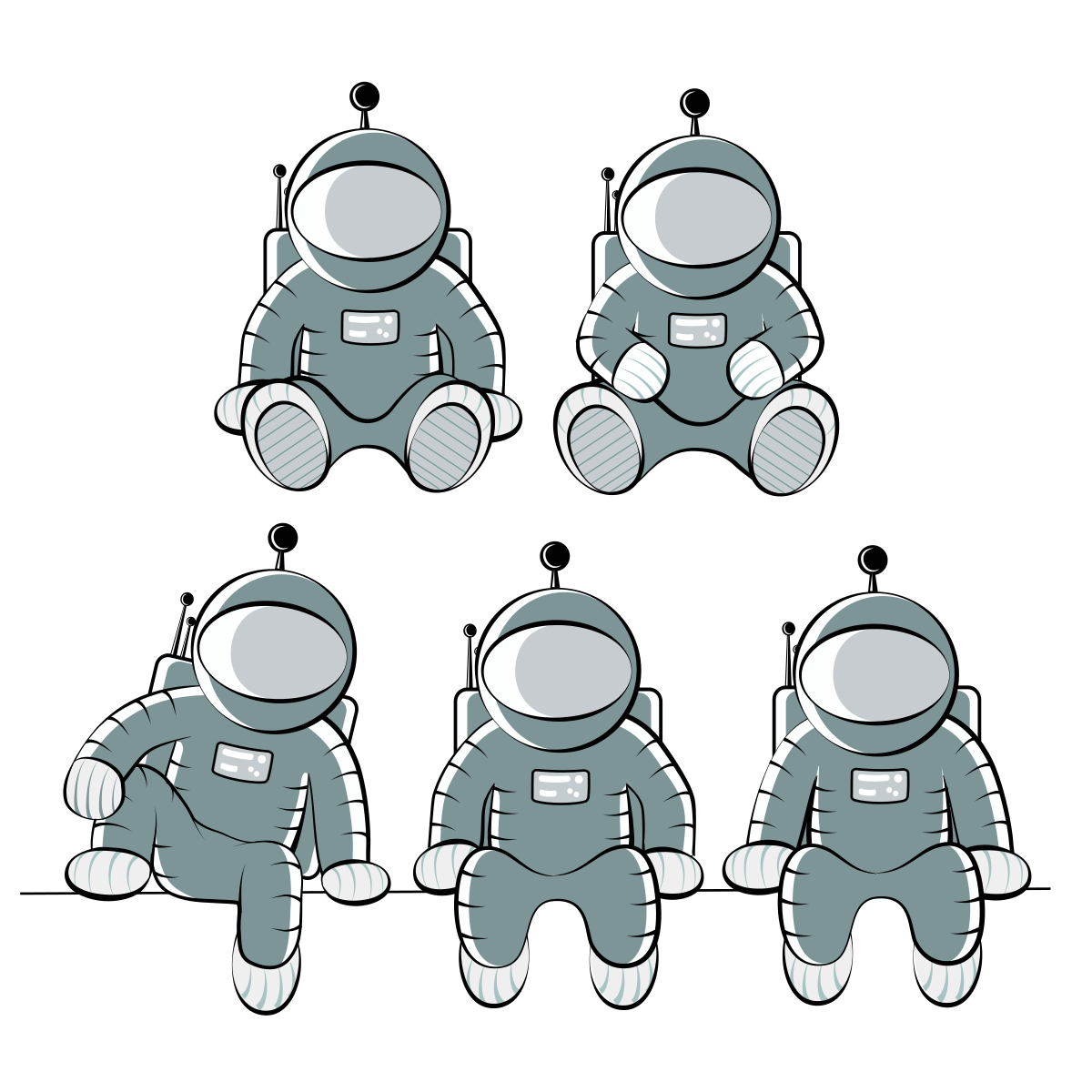
Several versions of one pose on one artboard. Crop out the one you need.
Avoid: Do not mix these line drawings with the flat gold Floaty on one graphic.
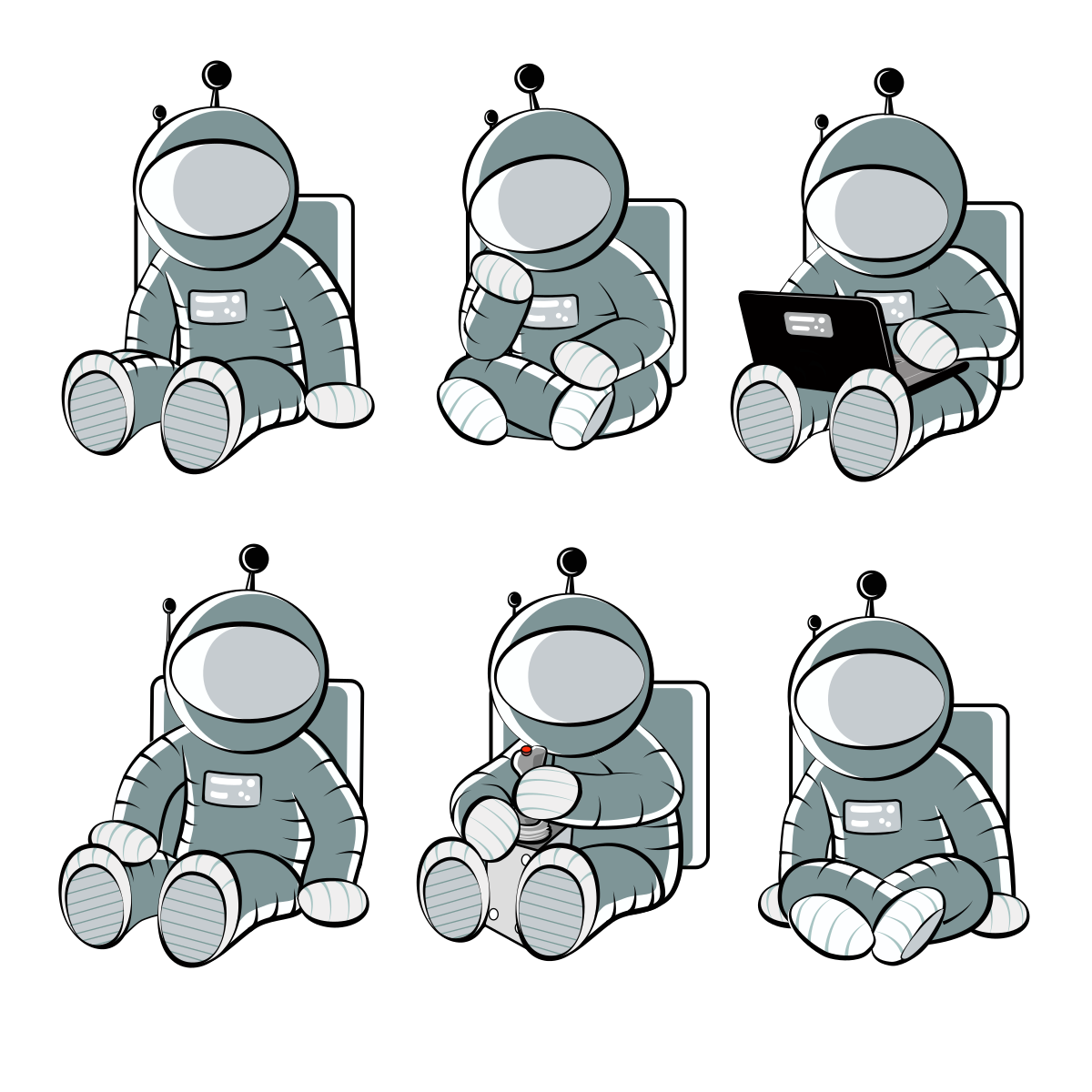
Several versions of one pose on one artboard. Crop out the one you need.
Avoid: Do not mix these line drawings with the flat gold Floaty on one graphic.
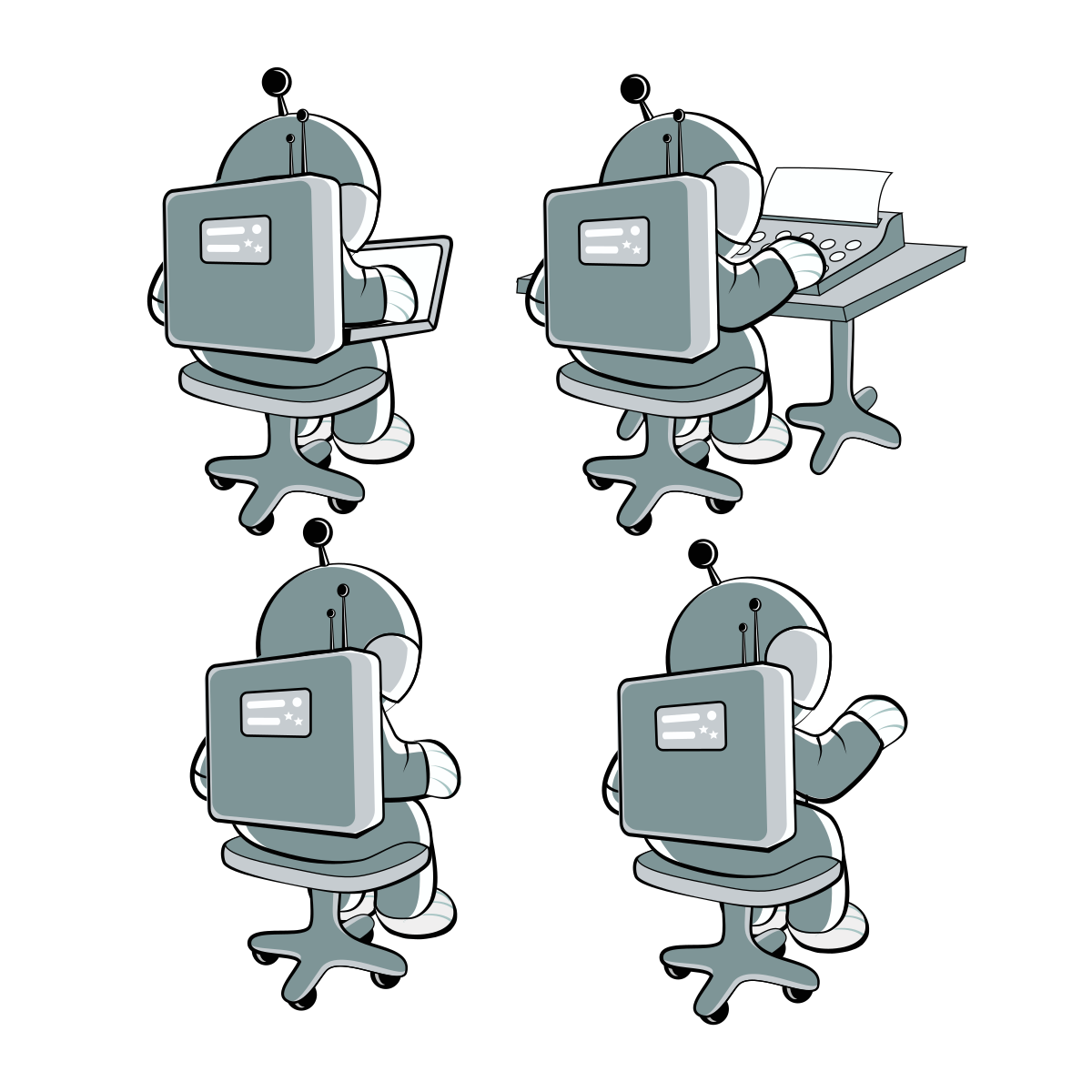
Several versions of one pose on one artboard. Crop out the one you need.
Avoid: Do not mix these line drawings with the flat gold Floaty on one graphic.
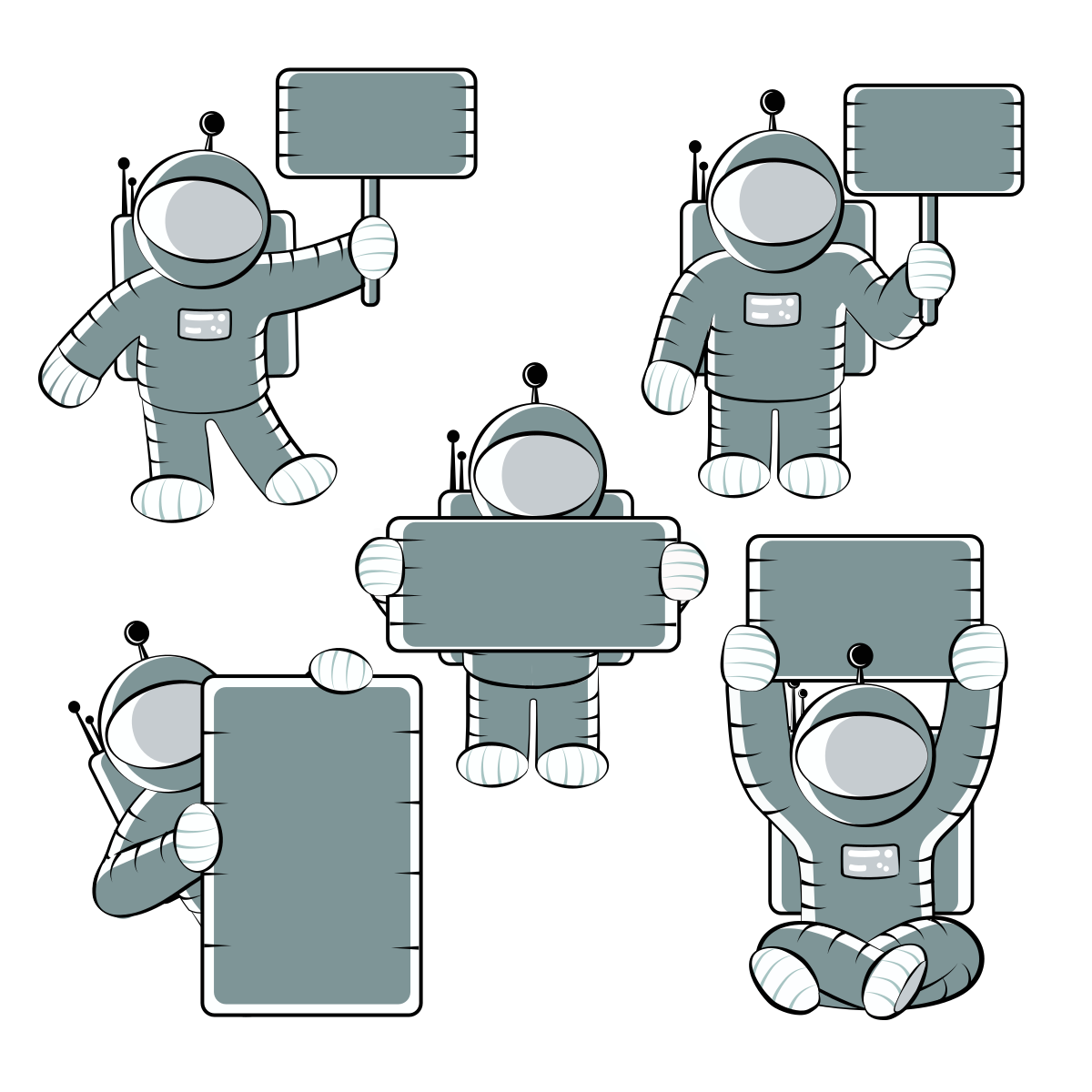
Several versions of one pose on one artboard. Crop out the one you need.
Avoid: Do not mix these line drawings with the flat gold Floaty on one graphic.
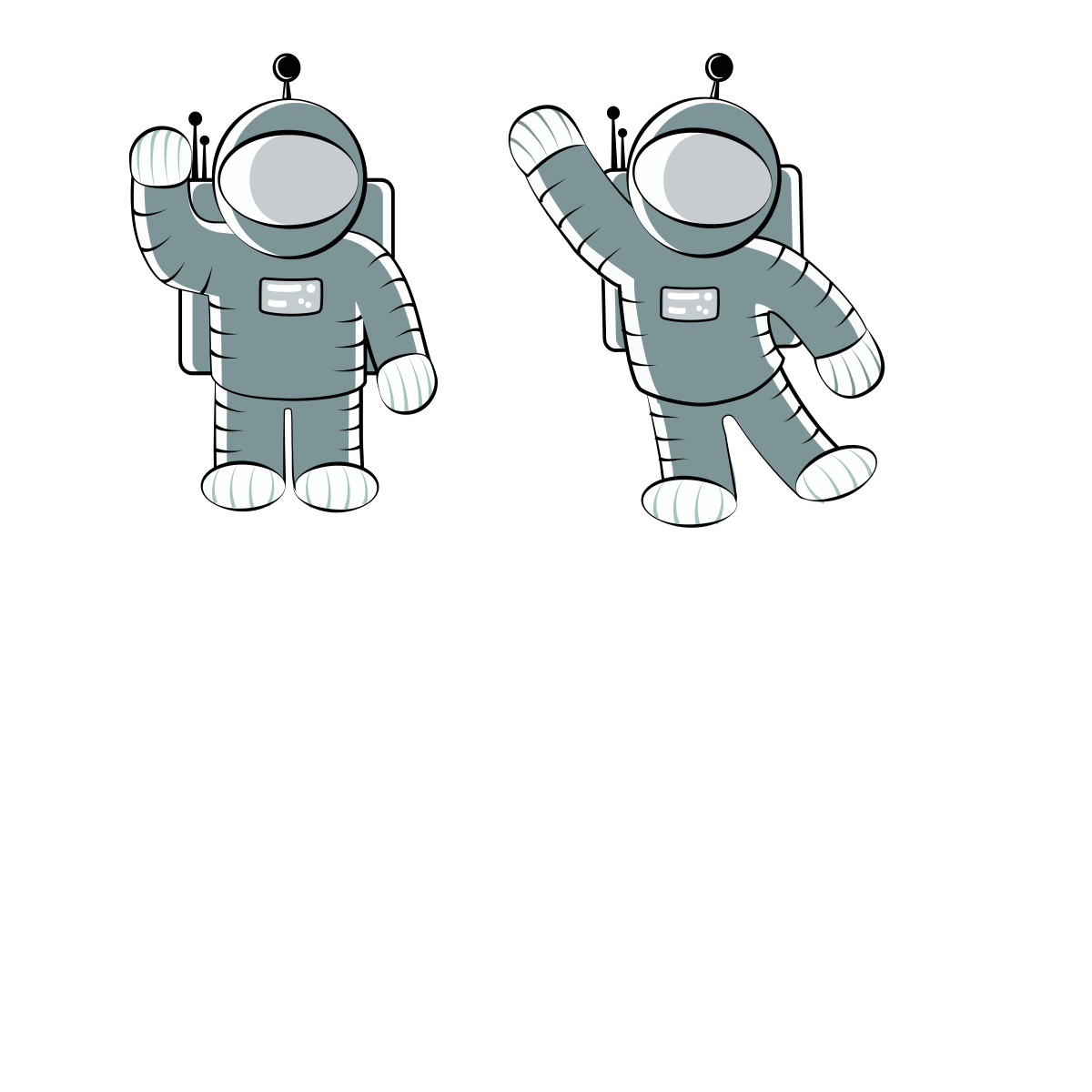
Several versions of one pose on one artboard. Crop out the one you need.
Avoid: Do not mix these line drawings with the flat gold Floaty on one graphic.
Rounded icons for lists and badges. Product icon guidelines.

GravityView product icon: a rounded square in the product color. Product lists, badges, comparison tables.

GravityEdit product icon: a rounded square in the product color. Product lists, badges, comparison tables.

GravityImport product icon: a rounded square in the product color. Product lists, badges, comparison tables.

GravityExport product icon: a rounded square in the product color. Product lists, badges, comparison tables.

GravityExport Lite product icon: a rounded square in the product color. Product lists, badges, comparison tables.

GravityCharts product icon: a rounded square in the product color. Product lists, badges, comparison tables.

GravityCalendar product icon: a rounded square in the product color. Product lists, badges, comparison tables.

GravityMath product icon: a rounded square in the product color. Product lists, badges, comparison tables.

GravityRevisions product icon: a rounded square in the product color. Product lists, badges, comparison tables.

GravityActions product icon: a rounded square in the product color. Product lists, badges, comparison tables.

GravityBoard product icon: a rounded square in the product color. Product lists, badges, comparison tables.

GravityMigrate product icon: a rounded square in the product color. Product lists, badges, comparison tables.

GravitySearch product icon: a rounded square in the product color. Product lists, badges, comparison tables.
Navy line icons for add-ons and View layouts.

Magic Links add-on or layout icon: navy line art on a white rounded square.

Elementor Widget add-on or layout icon: navy line art on a white rounded square.


Event Field add-on or layout icon: navy line art on a white rounded square.


Advanced Filtering add-on or layout icon: navy line art on a white rounded square.

Social Sharing add-on or layout icon: navy line art on a white rounded square.

A-Z Filters add-on or layout icon: navy line art on a white rounded square.

Featured Entries add-on or layout icon: navy line art on a white rounded square.

Ratings & Reviews add-on or layout icon: navy line art on a white rounded square.

Multiple Forms add-on or layout icon: navy line art on a white rounded square.

DataTables Layout add-on or layout icon: navy line art on a white rounded square.

Maps Layout add-on or layout icon: navy line art on a white rounded square.

Large squares, for showing one product (or the company) big.
Large full-bleed gradient square for GravityView. Use when one product is shown big: featured images, app-store style tiles.
Large full-bleed gradient square for GravityEdit. Use when one product is shown big: featured images, app-store style tiles.

Large full-bleed gradient square for GravityImport. Use when one product is shown big: featured images, app-store style tiles.

Large full-bleed gradient square for GravityExport. Use when one product is shown big: featured images, app-store style tiles.
Large full-bleed gradient square for GravityCharts. Use when one product is shown big: featured images, app-store style tiles.

Large full-bleed gradient square for GravityCalendar. Use when one product is shown big: featured images, app-store style tiles.
Large full-bleed gradient square for GravityMath. Use when one product is shown big: featured images, app-store style tiles.

Large full-bleed gradient square for GravityRevisions. Use when one product is shown big: featured images, app-store style tiles.
Large full-bleed gradient square for GravityActions. Use when one product is shown big: featured images, app-store style tiles.
Large full-bleed gradient square for GravityKit collection. Use when one product is shown big: featured images, app-store style tiles.

Gold-ringed Floaty helmet on navy watercolor. The company counterpart to the rainbow collection tile: avatars, social profiles, app icons.
Wide headers with a product icon on its watercolor background. Product pages, featured images, listings.
Wide header image for GravityView: the icon on its watercolor background. Product pages, blog featured images, listings.

Wide header image for GravityEdit: the icon on its watercolor background. Product pages, blog featured images, listings.

Wide header image for GravityImport: the icon on its watercolor background. Product pages, blog featured images, listings.

Wide header image for GravityCharts: the icon on its watercolor background. Product pages, blog featured images, listings.
Wide header image for GravityCalendar: the icon on its watercolor background. Product pages, blog featured images, listings.
Wide header image for GravityMath: the icon on its watercolor background. Product pages, blog featured images, listings.

Wide header image for GravityRevisions: the icon on its watercolor background. Product pages, blog featured images, listings.
Wide header image for GravityMigrate: the icon on its watercolor background. Product pages, blog featured images, listings.

Wide header image for GravityBoard: the icon on its watercolor background. Product pages, blog featured images, listings.

Wide header image for GravityActions: the icon on its watercolor background. Product pages, blog featured images, listings.
Wide header image for GravityKit collection: the icon on its watercolor background. Product pages, blog featured images, listings.

Wide header image for Dynamic Lookup: the icon on its watercolor background. Product pages, blog featured images, listings.
Wide header image for Zero Spam: the icon on its watercolor background. Product pages, blog featured images, listings.
Wide header image for Event Field: the icon on its watercolor background. Product pages, blog featured images, listings.

Wide header image for Elementor Widget: the icon on its watercolor background. Product pages, blog featured images, listings.

Wide header image for Entry Tags: the icon on its watercolor background. Product pages, blog featured images, listings.
Watercolor textures. Gold and Dark Blue are for the company; each product has its own color.


Watercolor texture in the GravityActions color. Behind GravityActions graphics only.
Watercolor texture in the GravityCalendar color. Behind GravityCalendar graphics only.
Watercolor texture in the GravityCharts color. Behind GravityCharts graphics only.

Watercolor texture in the GravityEdit color. Behind GravityEdit graphics only.
Watercolor texture in the GravityExport color. Behind GravityExport graphics only.
Watercolor texture in the GravityImport color. Behind GravityImport graphics only.
Watercolor texture in the GravityMath color. Behind GravityMath graphics only.
Watercolor texture in the GravityMigrate color. Behind GravityMigrate graphics only.
Watercolor texture in the GravityRevisions color. Behind GravityRevisions graphics only.
Watercolor texture in the GravityView color. Behind GravityView graphics only.
Watercolor texture in the GravityBoard color. Behind GravityBoard graphics only.
Click a color to copy it. Raspberry is the link and button color on gravitykit.com; each product has its own color. Color guidelines.
Gold gradient · linear-gradient(60deg, #401500 0%, #D99B21 50%, #FFF8A6 100%) · Hero areas and emphasis. Linear at 60 degrees, 200% scale. New campaign colors come from between navy and gold.
The same type as gravitykit.com: GK Norm SemiBold for the two largest headings, Eudoxus Sans for everything else. Typography guidelines.
GravityKit adds views, charts, calendars and more to Gravity Forms. Links are raspberry, medium weight.
The heading font for h1 and h2 on gravitykit.com, set SemiBold with -1px letter spacing. Also small uppercase labels (Bold, 12px, 1px letter spacing). OTF for design tools, WOFF2 for websites.
Avoid: Not for body text.
Body text, h3 to h6, buttons and interface text. WOFF2 for websites, TTF for design tools.
Short rules for using the GravityKit name, logo and mascot.
Everything on this page is listed in brand.json, with full URLs and notes on when to use each file (use, avoid, background). Start with llms.txt. Guidelines are also available as Markdown, for example /guidelines/logo.md. Files can be fetched directly from any origin.